

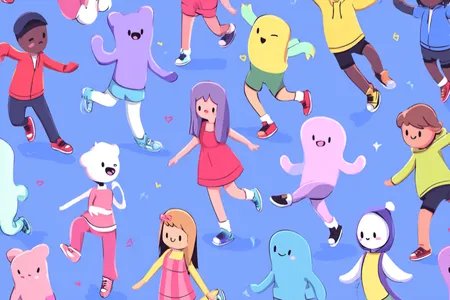
Character Chaos
- Developer
- GameAnt Studio
- Released
- Feb 18, 2026
- Platforms
- Browser (desktop and mobile)
- Orientation
- Landscape
- Storage
- None. Play instantly.
- Chrome
- Add to Chrome
Run animated characters in two distinct modes — high-energy Chaos for wild movement or calm Screensaver-style floating — with counts of 10, 20, 30, 40, or 50.
How to Play Character Chaos
Two moods
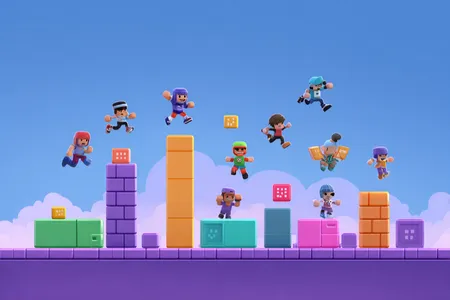
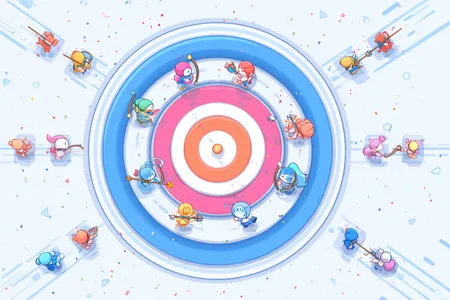
Start the scene and characters appear on the page you already have open. Chaos Mode is fast bouncing. Screensaver Mode is a slow float. Switching modes keeps the same character images.
Ten to fifty
Plus More and Minus Fewer change the count by 10, from 10 up to 50. The scene starts at 10. Pause, stop, or restart from the in-game controls. The page under the scene stays usable.
Features
- Chaos and Screensaver modes
- Five counts: 10, 20, 30, 40, and 50
- A scene that leaves the page usable
FAQ
What is the difference between the two modes?
Chaos is fast and wild. Screensaver is a slow drift. The same characters stay on screen when you switch.